
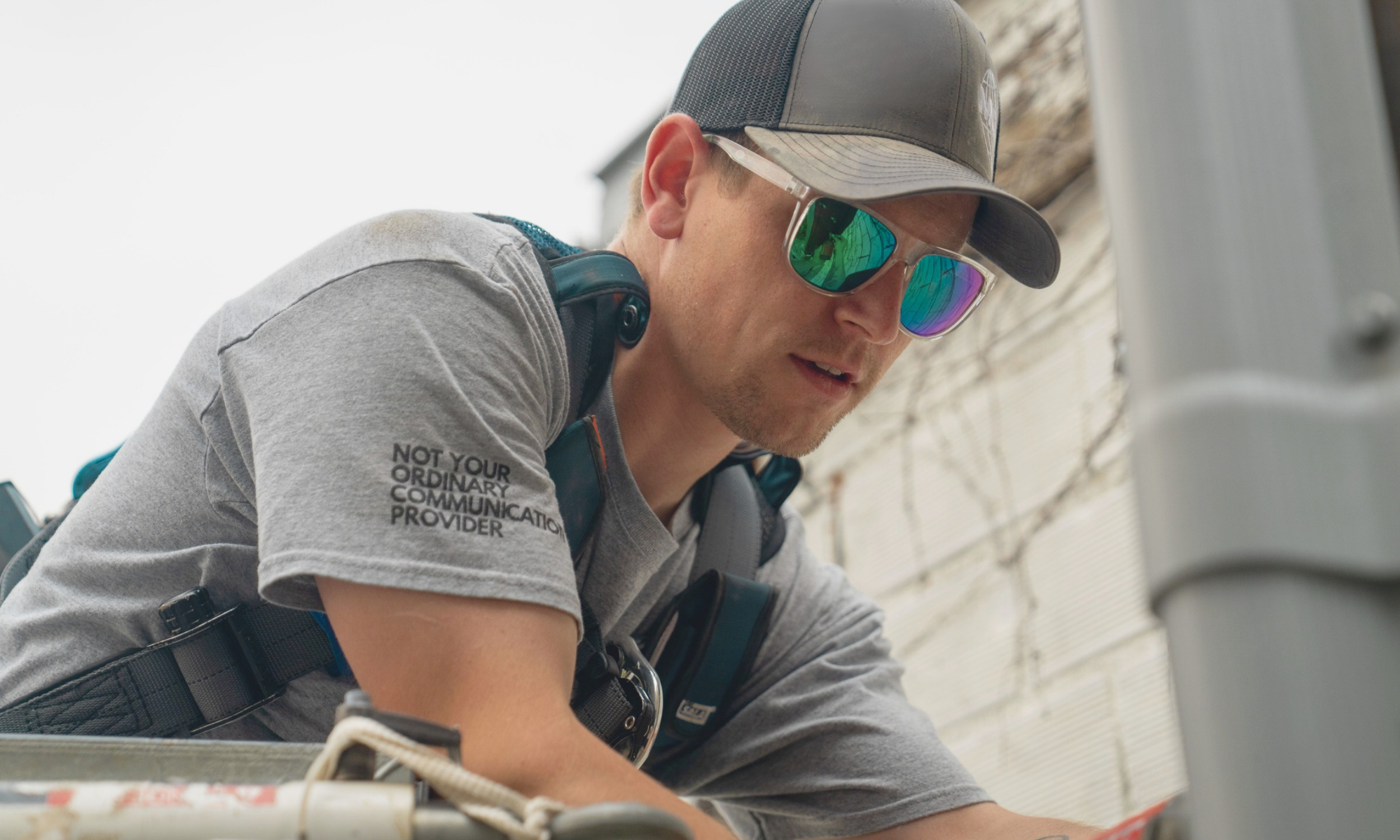
WHERE DO YOU WANT TO START?
Everything you need before, during and after your MCG installation.

PREPARE FOR INSTALLATION
What to have ready before your MCG technician arrives.

INSTALLATION
DAY
Know what to expect when your technician arrives.
CONNECT YOUR DEVICES
Get your phones, TVs, computers and smart devices ready.

MCG INSIGHT
APP
Manage your Wi-Fi, network and connected devices.
WI-FI &
EQUIPMENT
Learn about your router, coverage and home Wi-Fi.

ACCOUNT &
SUPPORT
Find resources for billing, account, and customer support.
BEFORE YOUR APPOINTMENT
A LITTLE PREP MAKES INSTALLATION EASIER
Before your technician arrives, take a few minutes to make sure your home and devices are ready.

ADULT PRESENT
An adult must be present the entire time of your appointment.

SECURE YOUR PETS
Please keep pets safely contained while our technician is working.
CLEAR ACCESS
Make sure the technician can access any basement, attic, crawl space, or other areas required for the installation.

RENTAL ACCESS
If you rent, arrange any required access with your landlord or property manager ahead of time,
HAVE DEVICES READY
Have the devices you want connected available during your appointment.
KNOW YOUR LOGINS
Have your usernames and passwords ready for the devices and services needing to be connected.
We'll send you a reminder about your appointment before your scheduled installation.


RENTING? PLAN AHEAD.
If you live in an apartment, rental home or managed property, please coordinate with your landlord or property manager before your appointment. Our technician may need access to areas outside of your individual unit or permission to complete installation work.

INSTALLATION DAY
HERE’S WHAT HAPPENS NEXT
01

WE ARRIVE
Your MCG technician arrives for your scheduled appointment.
02

WE REVIEW THE INSTALLATION
The technician discusses equipment placement and areas that may need access with you.
03
WE GET YOU
CONNECTED
Your service and MCG equipment are installed and activated.
04
WE TEST YOUR CONNECTION
Your technician makes sure the service and Wi-Fi are working properly.
05

WE HELP YOU
GET STARTED
Review your network information, devices and anything you need to know before the technician leaves.
WHAT ABOUT WORK OUTSIDE?
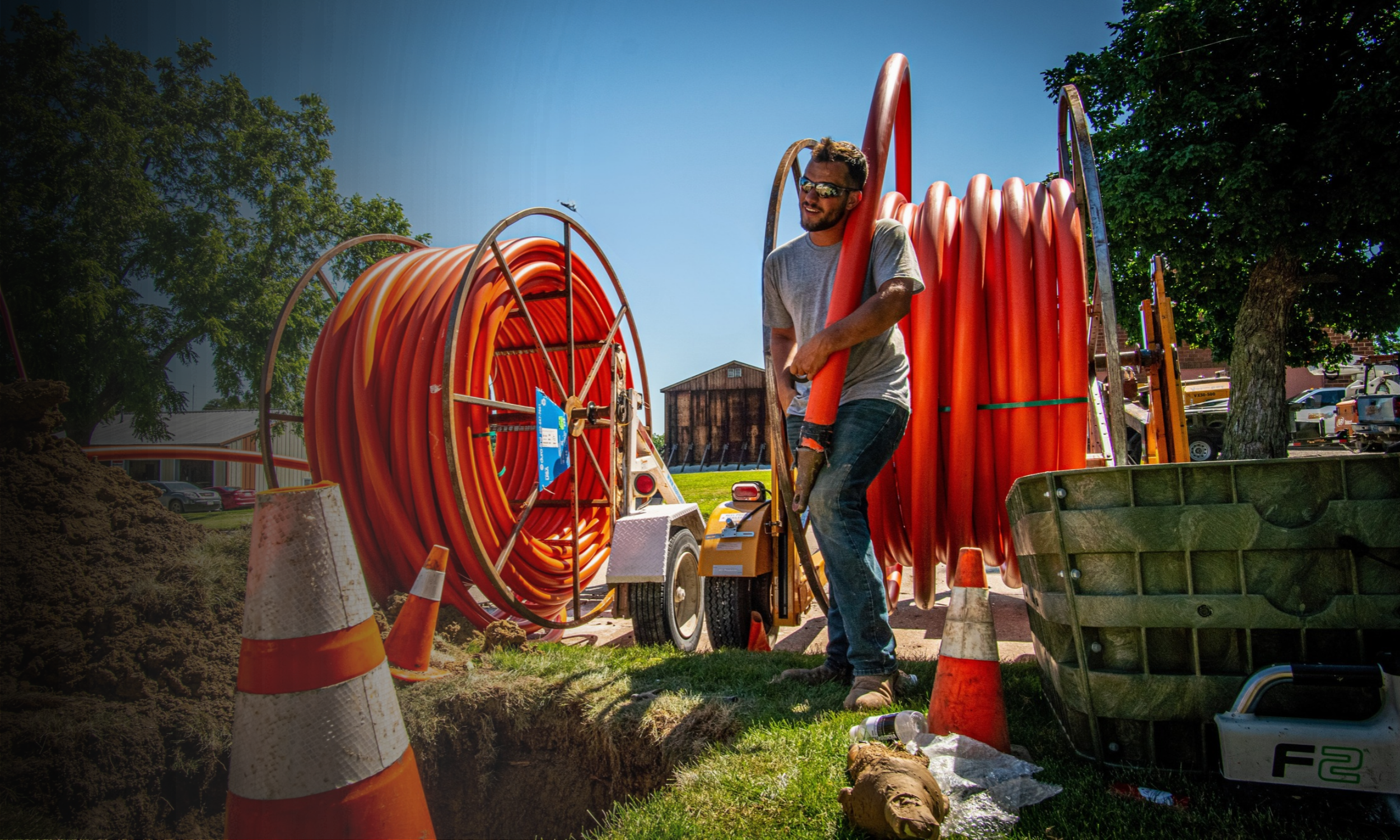
Some installations require outdoor work. We may use a temporary service line to connect your service, with permanent line burial scheduled separately.
GET CONNECTED
CONNECTING YOUR DEVICES
Have the devices you want to connect available during installation, along with any usernames and passwords needed to access them.
Below are some examples of the types of devices we connect.
-
Computers
Smartphones
Tablets
Printers
Scanners
-
Smart TVs
Streaming devices
Gaming Consoles
Smart Speakers
-
Camera Systems
Doorbells
Thermostats
Locks
Lighting
Alarm Systems
Voice assistants
Smart displays
-
Wi-Fi-enabled appliances
Robot vacuums
Smart Pet Devices
Baby Monitors
-
Smart Watches
Smart Rings
Scales
Other Wi-Fi enabled lifestyle devices

YOUR WI-FI. YOUR CONTROL
MEET THE MCG INSIGHT APP
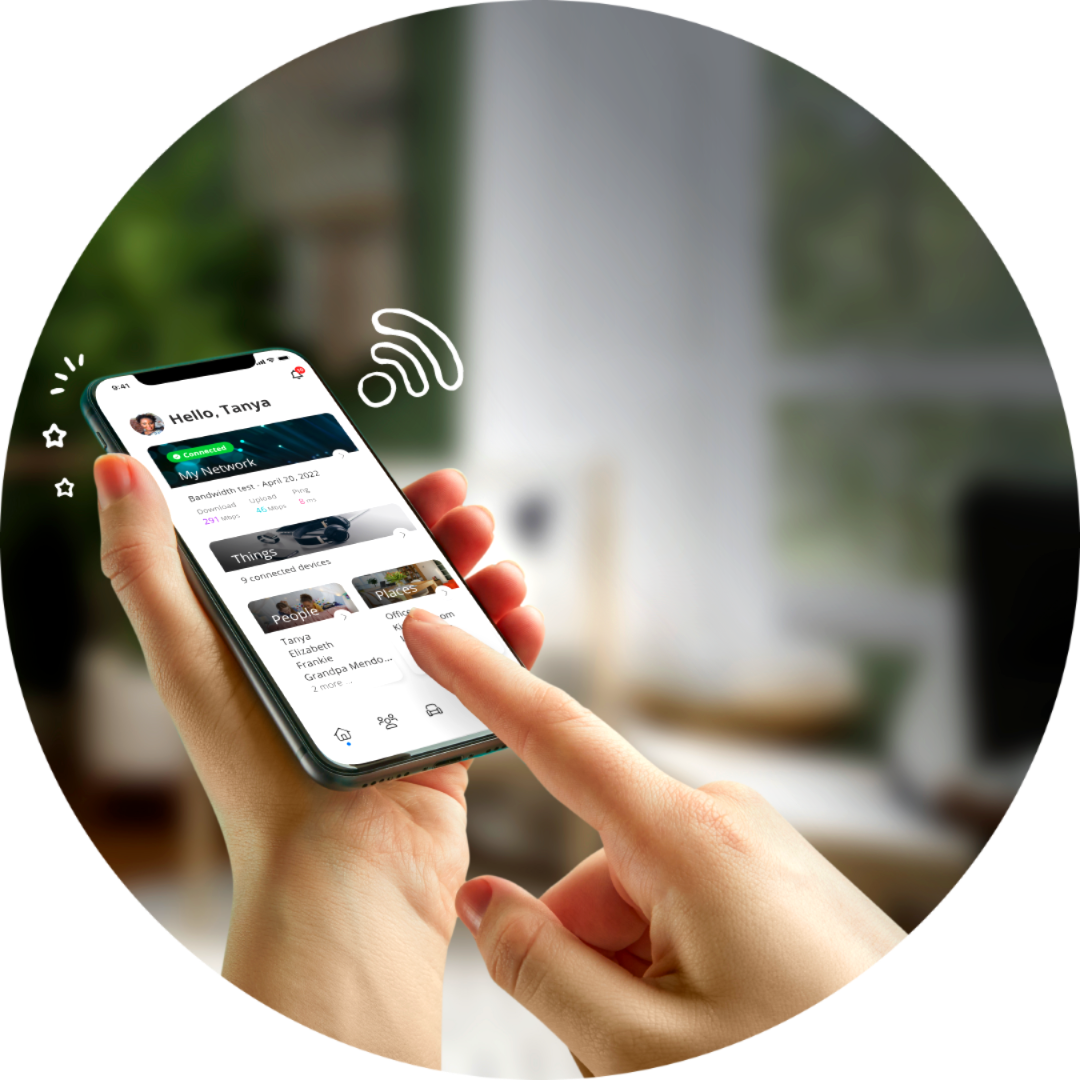
MCG Insight puts your home network at your fingertips, making it easy to manage and understand what's happening on your Wi-Fi.
See Connected Devices
Control Your Home Network
Manage Your Wi-Fi
Get More from Your MCG Service


YOUR WI-FI, EXPLAINED
YOUR NETWORK
NAME & PASSWORD
Learn how to find and manage your Wi-Fi network settings.
ROUTER
PLACEMENT
Discover why your router's location matters for better Wi-Fi coverage.
CONNECTED DEVICES
Understand how your devices and everyday activities affect your Wi-Fi experience.

WI-FI COVERAGE
Learn what affects your Wi-Fi signal and when additional coverage may help.
MANAGE YOUR MCG ACCOUNT

PAY YOUR BILL
Make your payment quickly and easily.

SIGN UP FOR AUTOPAY
Set your payment and forget about it.

MANAGE YOUR ACCOUNT
Access your account and update your information.

UNDERSTAND YOUR BILL
Get familiar with your charges and services.
YOU’RE CONNECTED.
WHAT’S NEXT?
Everything you need to get the most out of your new MCG service.
CONNECT YOUR DEVICES
Connect phones, TVs, computers, and smart devices.

GET STARTED WITH INSIGHT
Downloading and using the MCG Insight App.

MANAGE YOUR ACCOUNT
SmartHub, billing, and AutoPay.

GET HELP & SUPPORT
Customer service and technical assistance.


QUESTIONS? WE’VE GOT ANSWERS.
BEFORE YOUR INSTALLATION
-
When your MCG technician arrives, they'll walk you through the installation process, discuss your home's internet needs, and help determine the best locations for your fiber connection and Wi-Fi router.
Here's what to expect:
Review the Installation Plan — Your technician will discuss equipment placement and review any necessary work with you.
Connect Fiber to Your Home — Your technician will connect your home to MCG's fiber network.
Install Your Equipment — Your fiber and Wi-Fi equipment will be installed and set up.
Activate & Test Your Service — Your technician will test your connection to make sure everything is working properly.
Help You Get Connected — Your technician will assist with Wi-Fi setup and connecting eligible devices.
Before leaving, your technician will answer any questions and help ensure you're ready to enjoy your new MCG fiber internet service.
-
Installation time depends on whether fiber is already connected to your home or if a new fiber line needs to be installed.
FIBER ALREADY CONNECTED TO YOUR HOME
Approximately 1 hour, 15 minutesIf a fiber line has already been installed to your home, our technician can focus on connecting your service, setting up your equipment, and making sure everything is working properly.
NEW FIBER LINE FROM A UTILITY POLE
Approximately 2 hours, 15 minutesIf your home needs a new fiber line that runs overhead from a nearby utility pole, our technician will install that line before completing your indoor equipment setup and service activation.
NEW FIBER LINE INSTALLED UNDERGROUND
Approximately 4 hoursIf your home needs a new underground fiber line, additional time is needed to bring the fiber from the nearby network connection point to your home. Once the line is in place, our technician can complete the connection and equipment setup.
PLEASE NOTE: These are estimated installation times. Every home is different, and the actual time may vary depending on your property's layout, equipment location, and installation requirements. Some underground work may need to be completed during a separate visit.
Not sure which installation type applies to your home? No worries! Our team will help you understand what to expect before your appointment
-
An adult age 18 or older is required to be present throughout the installation for the safety and security of both the customer and our MCG technician. They must be available to approve where the fiber line enters the home, where we will install the equipment and Wi-Fi router, and any necessary drilling or property modifications. They may also need to answer questions about access to certain areas of the home and make decisions if unexpected installation needs arise.
-
A little preparation can help make your MCG fiber installation go smoothly. Before your appointment, please:
Have an adult (18+) present — An adult must be home throughout the installation to provide access and approve any necessary work.
Clear installation areas — Make sure walls, electrical outlets, and potential equipment locations are easily accessible, both inside and outside your home.
Consider your Wi-Fi needs — Think about where you use the internet most and any areas that may need extra coverage, such as a basement, garage, or patio.
Identify devices you'd like connected — Have any smart TVs, computers, or other devices you'd like help connecting ready, along with any necessary login information.
Secure your pets — Keep pets safely away from installation areas to protect them and our technicians.
That's it! Your MCG technician will review equipment placement, discuss any necessary drilling or modifications, and get your approval before beginning work.
-
No. We recommend keeping your current internet service active until your MCG installation is complete and your new service is working properly. Once your MCG internet service is installed, activated, and you've confirmed everything is working, you can contact your previous provider to cancel.
Important: Transferring your phone number? Do not cancel your existing internet or phone service until MCG confirms your phone number has been successfully transferred. Canceling too early could prevent us from transferring your number and may result in losing it.
-
Typically, no. Most installation work will take place during your scheduled appointment, including bringing the fiber line to your home, installing your equipment, and activating your service.
If your fiber line needs to be buried underground, the burial may take place after your installation. Before the line is buried, underground utilities will be located and marked to ensure the work is completed safely.
Your MCG technician will explain what to expect based on your home's installation needs.
2. DURING YOUR INSTALLATION
-
Your home connects to MCG's fiber network through a fiber-optic cable called a fiber drop. This is the line that brings fiber internet directly to your home.
Depending on your property, your connection may be:
Existing Fiber Connection — A fiber line is already installed at your home.
New Overhead Fiber Connection — A new fiber line is installed from a nearby utility pole to your home.
New Underground Fiber Connection — A new fiber line is brought to your home and will be buried underground. In some cases, the line may temporarily remain above ground until burial is completed.
CHOOSING THE FIBER ENTRY POINT
The entry point varies depending on your home's layout, existing wiring, and access to areas such as the basement. Your technician will evaluate the property, discuss your preferred equipment location, and work with you to determine the most suitable entry point before installation begins.
-
The way fiber reaches your home depends on your property's location and existing utility infrastructure. Some homes are connected through overhead lines, while others require underground installation.
Your MCG technician can explain which installation method applies to your home and answer any questions about how the fiber line will be installed.
-
No. Both overhead and underground fiber connections deliver the same high-speed fiber internet service. The difference is simply how the fiber cable reaches your home, not the speed or quality of your internet connection.
-
Yes. Your MCG technician will typically need access to areas inside and outside your home to complete your fiber installation.
Areas your technician may need to access include:
Outside your home — To install the fiber line and exterior connection.
Fiber entry point — Where the fiber line enters your home.
Router location — To install and set up your Wi-Fi equipment.
Rooms with connected devices — To help connect smart TVs, computers, or other devices, if requested.
Access & Permissions
Your technician will review the installation plan with you, explain which areas they'll need to access, and ask for permission before entering additional rooms or making modifications to your home.
Before your appointment: Please make sure installation areas are accessible and free of obstacles so your technician can work safely and efficiently.
-
Yes, some drilling is typically required to bring fiber internet into your home. Your MCG technician will usually drill a small hole through an exterior wall to allow the fiber cable to enter your home and connect to your internet equipment.
Depending on your home's layout and the location of your router, additional small holes may be needed to route cables or securely mount equipment.
Before drilling, your technician will explain where holes are needed, review equipment placement with you, and get your approval. Any openings will be properly sealed to help prevent moisture, drafts, and pests from entering your home.
Our goal is to provide a clean, professional installation while minimizing the impact on your home.
-
Yes! You can discuss your preferred router location with your MCG technician. However, placement plays an important role in your Wi-Fi coverage. For the best experience, your router should be in an open, central location where the signal can reach as much of your home as possible. Your technician will help recommend the best placement based on your home's layout, potential signal obstructions, and where you use Wi-Fi most.
-
Yes! Your MCG technician can help connect your devices to your new Wi-Fi network, including smart TVs, phones, tablets, computers, gaming consoles, and other connected devices.
Here's how we can help:
Connect Your Devices — Your technician can assist with connecting the devices you'd like to use on your new Wi-Fi network.
Set Up Your MCG Insight App — We'll help you get started with the app and show you how to manage your Wi-Fi network.
Keep Your Existing Wi-Fi Settings — If you'd prefer to use your previous Wi-Fi name and password, your technician can help update those settings, which may allow many of your devices to reconnect automatically.
Answer Setup Questions — Need help getting started with a streaming app or another connected device? Just ask! Our technicians can often provide additional setup guidance during your appointment.
Helpful Tip: Have the devices you'd like connected ready and any necessary login information available. For your security, we recommend entering personal account passwords yourself.
3. AFTER YOUR INSTALLATION
-
If your home requires an underground fiber connection, your fiber line may be temporarily placed above ground so your MCG internet service can be activated without waiting for permanent burial.
Here's what to expect:
Automatic Scheduling — No need to schedule a separate appointment! Once your service is installed, your fiber line is automatically added to our burial schedule.
Burial Timeframe — Our goal is to complete burial within two weeks. However, current estimated timeframes range from 2–6 weeks, depending on your location, weather, equipment availability, and scheduling.
Utility Markings — Before burial, underground utilities will be located and marked with flags or paint. Please do not move or remove these markings.
Protecting Your Fiber Line — Until burial is complete, please be mindful of the temporary cable in your yard. If necessary for mowing or yard maintenance, the cable may be gently moved aside. Avoid pulling, stretching, cutting, or damaging the line.
Do I need to be home when my fiber line is buried?
No. You do not need to be home for the burial work. Our crew can complete the work and remotely verify that your service is still operating properly.
Will I be notified before the crew arrives?
Typically, no. However, if you'd like advance notice, please contact MCG to request a phone call before the crew arrives. We'll note your request on your account.
Will my internet work before the line is buried?
Yes! Your internet service can be activated and used before the fiber line is permanently buried.
-
Yes! You can use the MCG Insight App to set your new Wi-Fi network name and password to match those from your previous internet provider.
Using the same network name and password may allow many of your existing devices, such as smart TVs, phones, tablets, and smart home devices, to reconnect automatically.
If you choose a different Wi-Fi name or password, you'll need to reconnect your devices using the new information. Some devices may also require manual reconnection even when your previous settings are reused.
-
Your MCG technician will confirm that your new fiber internet service is working properly and ready to use before completing your installation.
Before leaving, your technician will:
Test Your Connection — Verify that your internet service is working properly using MCG equipment and confirm connectivity on your devices.
Review Your Wi-Fi Setup — Make sure you can successfully connect to and use your new internet service.
Introduce the MCG Insight App — Review how to access the app and manage your home Wi-Fi network.
Provide Your Welcome Information — Give you an information folder containing your Wi-Fi network name and password, along with an estimate of your first bill.
Answer Your Questions — Make sure you're comfortable using your new service and know where to get help if needed.
You're officially connected! Once your service has been tested and you're able to use your new internet connection, your installation is considered complete.
Please note: If your fiber line still needs to be buried underground, that work may take place after your service is activated. You can enjoy your new internet service while awaiting burial.
-
We're here to help! Whether you have questions about your new service, need assistance with your account, or experience an internet issue, our local MCG team is ready to assist.
Customer Service — Account & General Questions
For questions about your account, billing, or MCG services:
Phone: 641-676-1000
Email: mcginfo@mahaska.org
Hours: Monday–Friday, 8:00 AM–5:00 PM
Technical Support — Internet & Wi-Fi Help
For assistance with your internet connection, Wi-Fi equipment, or service issues:
Phone: 641-676-1111
Email: support@mahaska.org
Helpful Tip: You can also use your MCG Insight App to manage your home Wi-Fi network and connected devices.
STILL HAVE QUESTIONS?
We're here to help! Whether you're preparing for installation or have questions about your new service, our local MCG Support team is happy to assist.
Looking for tips on improving your Wi-Fi coverage, connecting devices, or getting the most from your internet? Explore our Home Wi-Fi Guide.